
Choose a useful length
The default is 20 characters. Longer random passwords provide more combinations. Adjust the settings to the site’s requirements instead of reusing a familiar password.
Private by design
Choose a useful length and the kinds of characters a site accepts. We generate the password on your device, so you can copy it directly into your password manager. The value is never sent to TrekMail.
Choose a length, generate a password and copy it. It stays on your device.
TrekMail is email hosting for your own domain, with guided setup and a free plan to get started.
See how TrekMail works8 characters128 characters
Made by TrekMail email hosting. Start with free Nano, or try an eligible paid email plan for 14 days. Explore email hosting
TrekMail API & MCP
Setting up email for your team or building an automated workflow? TrekMail can create each mailbox with a new, randomly generated password through our API or MCP server.
Your app or AI agent receives the password in the creation response. Save it securely straight away: TrekMail does not let you retrieve it later.
Available on Pro and Agency with mailbox creation permission. Connect with an API token or MCP authorization. Your plan’s mailbox and storage limits apply.
From your workflow to a ready-to-use inbox
Illustrative mailbox creation, separate from the free generator above.
Email hosting by TrekMail
Give your business an inbox that belongs to you. Create mailboxes on your own domain and manage them together in TrekMail.
We generate the DNS records your domain needs for receiving and sending, including SPF, DKIM and DMARC. Follow the setup guide, or publish through a supported Cloudflare connection, then check the result in your dashboard.
Free Nano plan available. No card needed to start.
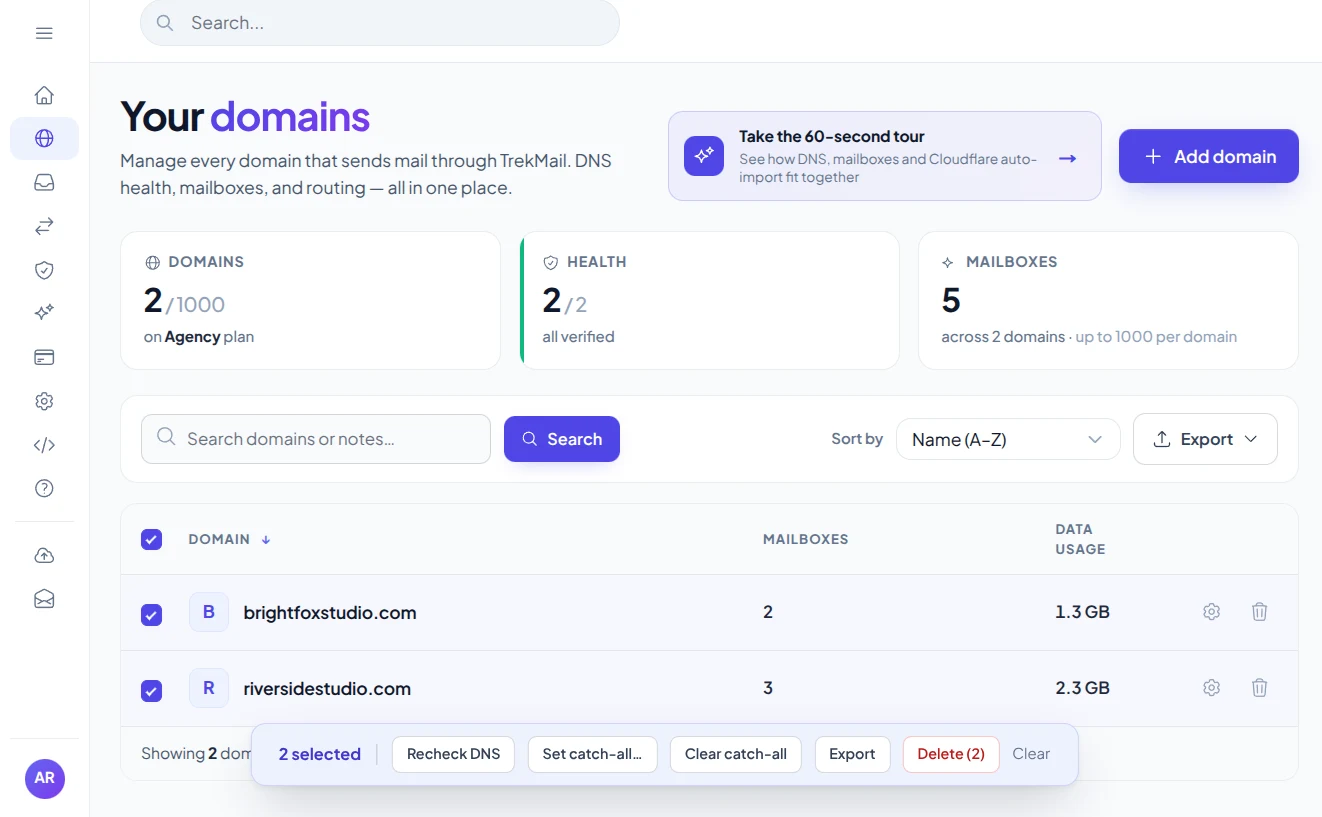
Bring your domainKeep your business identity.
Follow the setupGet the records and check them.
Reusing the one you already know is tempting. A different password for every account protects your other accounts if one site is breached. The default here is a random 20-character value; you can adjust it to the site’s rules.
A freshly generated password appears only on this device, ready to copy.
Save it to the right account in your password manager and enable multi-factor authentication when the service offers it. Your clipboard history may retain a copy.
Keep the character groups the site accepts, generate a new value and save it in a trusted password manager. If you must type it by hand, excluding lookalike characters may help.
Use a different password for every account, save it in a trusted password manager and enable multi-factor authentication where available.
The default is 20 characters. Longer random passwords provide more combinations. Adjust the settings to the site’s requirements instead of reusing a familiar password.
A reused password exposes several accounts if one service is breached. Generate a new password for each mailbox, website or app.
This page does not save passwords. Copy one into your password manager before leaving. Your device’s clipboard and clipboard history may retain a copied password.
A little knowledge. A better setup.
Create a different password for each account and keep it somewhere you can retrieve safely.
Generate passwordThis secure password generator starts at 20 characters and lets you choose a length from 8 to 128. Turn letters, numbers and symbols on or off to match the rules of the website or email account you are setting up. Longer random values offer more possible combinations, but the receiving service must accept them.
If you need to type a password manually, exclude similar-looking characters. If a service rejects certain symbols, adjust that option and generate a fresh value. Do not shorten a password simply to reuse one you already know.
The random password generator uses the browser’s cryptographic random source. Generation happens on your device; TrekMail does not receive or save the resulting password. You can regenerate until you have a value that fits the service’s requirements.
Use the copy icon beside the password and save it in a trusted password manager before leaving this page. Clipboard history may retain copied values. On a shared device, be mindful of where the copy is saved and who can access it.
A unique password limits the damage if one service exposes its login database. It cannot prevent every attack: phishing, an infected device or access to your password manager can still compromise an account. Enable multi-factor authentication or a passkey when the service supports it.
Creating a mailbox with TrekMail? The dashboard, API and MCP server support generated passwords during mailbox creation. Start with free email hosting on your own domain, and choose a paid plan when you need sending through TrekMail.
Practical guides from TrekMail, with setup instructions and deeper explanations for this tool.
Choose a free inbox to get started, or a paid plan for sending through TrekMail. One plan covers your account, with no per-seat fees.
$0/month
Your own domain, your first mailboxes, no credit card.
Sending through TrekMail is included in paid plans. Nano can use your own SMTP service.
Try an eligible paid email plan for 14 days.
For a small business
$4/month
For a growing team
$10/month
For client domains
$29/month
USD prices, billed monthly. Annual options available. Trials require a card and convert to the selected paid plan on the date shown at checkout. Cancel before that date to avoid a charge.
More from TrekMail
Read your business email in TrekMail webmail, or connect your favorite email app. Explore the other products when you need more from your workspace.
Explore email hosting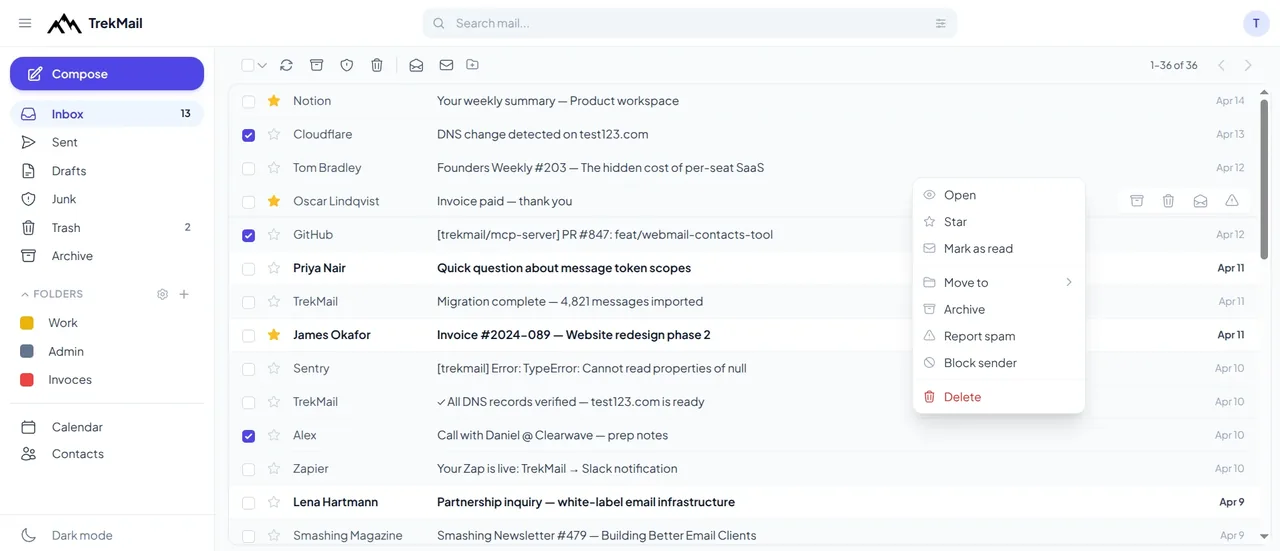
 Email verifierCheck individual email addresses before you use them.Explore email verifier
 Cloud DriveStore and share files alongside your email.Explore Cloud Drive
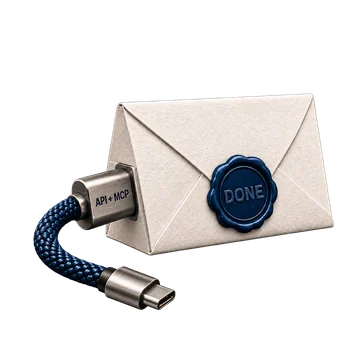 AI agent emailGive your workflows an inbox they can work with.Explore AI agent email
 White LabelOffer a branded email experience to your customers.Explore White Label
Good questions. Clear answers.
Find the details you need, then return to the tool when you’re ready.
Generate passwordWe use your browser’s cryptographic random number generator, unbiased character selection and a random shuffle. Each enabled character group is represented at least once.
No. Generation and copying on this page happen in your browser. Password values are not placed in a URL, saved in browser storage or sent as analytics events.
Characters such as O, 0, l and 1 can be hard to distinguish when typing. Excluding them can help when you must enter a password manually.
Yes. On Pro and Agency, create a TrekMail mailbox through the API or MCP server with mailbox creation permission. TrekMail generates a new password and returns it in the creation response. Save it securely because it cannot be retrieved later. Your plan’s mailbox and storage limits apply. You can also generate passwords in the dashboard when creating a mailbox.
Yes. Turn Symbols off and keep at least one character group enabled. Match the account’s password rules and use a useful length. Each enabled group appears at least once.
No. It generates new random passwords. It does not test existing passwords against breached-password databases or estimate a time to crack them.
Choose a check, enter your domain and get a result. Or generate a new password in your browser. Every tool is free to use, with no account needed.
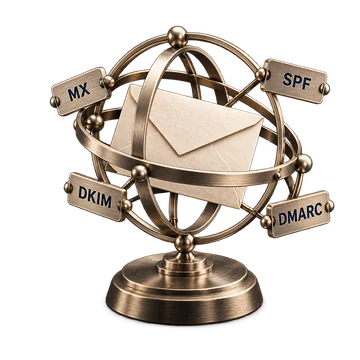 Free tool
See where your domain receives email and which sending records are published.
Check domain Free tool
See which services your domain allows to send email and spot common mistakes.
Check SPF Free tool
Check that your email provider’s public signing key is available.
Check DKIM Free tool
Find out how your domain asks receivers to handle messages that fail checks.
Check DMARC
Free toolFind the mail servers that receive email for your domain.
Look up MX
Create your TrekMail account, bring your domain and follow the setup. Start with free Nano, or try an eligible paid email plan for 14 days.
Nano needs no card. Paid trials require a card.Access your dashboard, mailboxes and DNS.
By continuing, you agree to TrekMail's Terms and Privacy Policy.