
none: collect evidence
p=none is a valid monitoring policy. It asks for no quarantine or rejection based on DMARC. Aggregate reports can reveal services sending on behalf of your domain.
When checks fail
Find the policy behind your domain’s email protection. See whether it asks receivers to monitor, quarantine or reject mail that fails checks, and spot common record mistakes.
Read your published DMARC policy and what it asks of receivers.

TrekMail is email hosting for your own domain, with guided setup and a free plan to get started.
See how TrekMail works
Made by TrekMail email hosting. Start with free Nano, or try an eligible paid email plan for 14 days. Explore email hosting
Your domain report
This is a public DNS snapshot. It does not test real message authentication, mailbox availability or inbox placement.
Email hosting by TrekMail
Give your business an inbox that belongs to you. Create mailboxes on your own domain and manage them together in TrekMail.
We generate the DNS records your domain needs for receiving and sending, including SPF, DKIM and DMARC. Follow the setup guide, or publish through a supported Cloudflare connection, then check the result in your dashboard.
Free Nano plan available. No card needed to start.
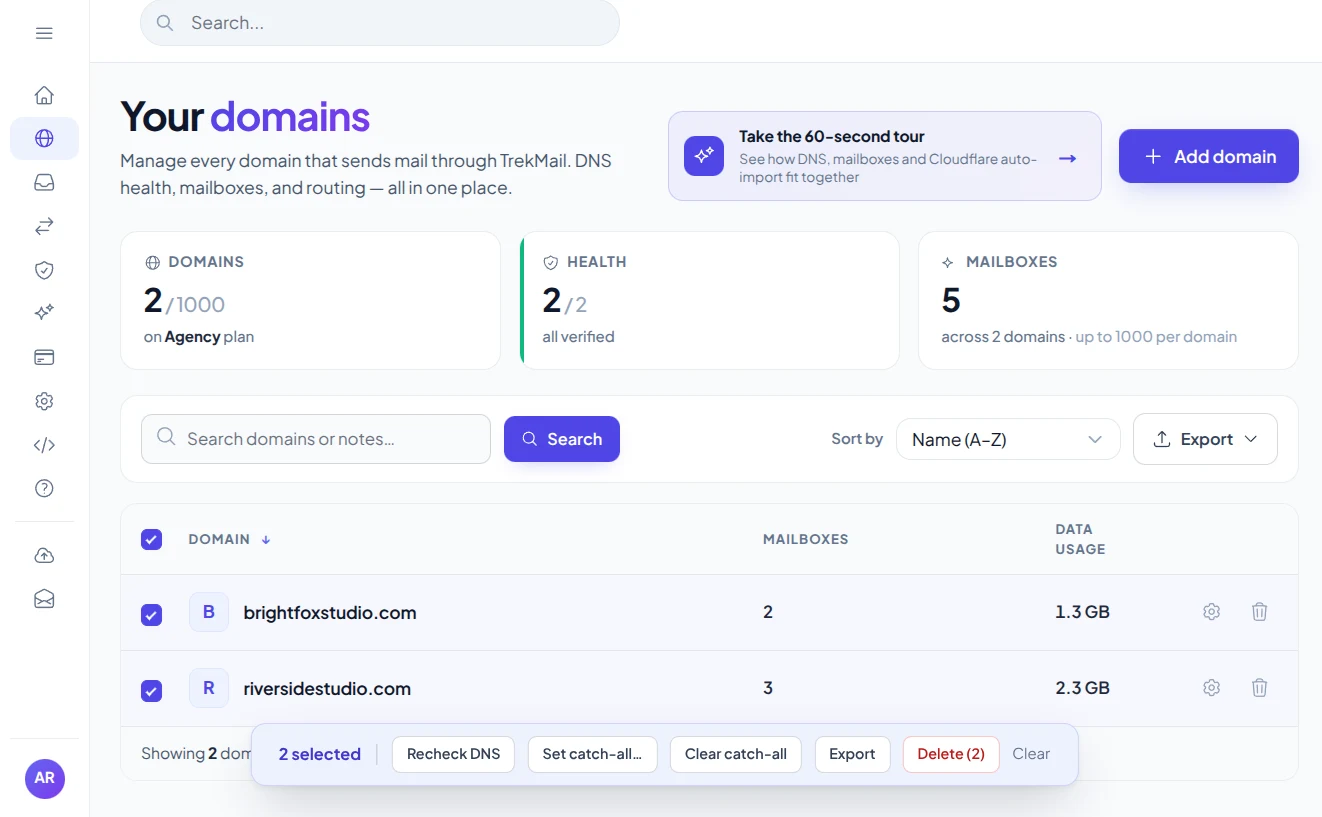
Bring your domainKeep your business identity.
Follow the setupGet the records and check them.
Many domains begin with p=none to collect reports. Moving to quarantine or reject can help with spoofed mail, but it can also affect a real service that sends for you if its authentication is not aligned.
The record says p=none, quarantine or reject, and may include an address for reports.
List every legitimate sender, review aggregate reports and test real messages before asking receivers to enforce a stricter policy.
This lookup confirms which policy is published at the exact domain you enter. It cannot tell whether your latest campaign, invoice or support email passes DMARC. Use message headers and reports for that decision.
DMARC helps receivers handle mail that fails authentication alignment. A gradual rollout helps avoid disrupting legitimate senders.
p=none is a valid monitoring policy. It asks for no quarantine or rejection based on DMARC. Aggregate reports can reveal services sending on behalf of your domain.
These policies request stronger handling of mail that fails DMARC. Confirm that every legitimate sender aligns before enforcing them; receiver decisions can vary.
A message needs SPF or DKIM to pass and align with its visible From domain. Record presence alone cannot establish alignment or show that reporting destinations are authorized.
A little knowledge. A better setup.
Read the policy your domain publishes, then use real messages and reports to decide what to change.
Check DMARCEnter the domain you want to check. The DMARC checker reads the TXT policy at _dmarc followed by that exact domain. A record normally begins with v=DMARC1 and includes a p= policy. The example below shows a monitoring policy and an aggregate report destination.
v=DMARC1; p=none; rua=mailto:dmarc@example.com
Example only. Use a reporting address you control; none is a monitoring policy, not an enforcement policy.
DMARC stands for Domain-based Message Authentication, Reporting and Conformance. A p=none policy requests monitoring without DMARC-based quarantine or rejection. Policies of quarantine and reject request stronger handling of messages that fail aligned authentication. Receiving services still apply their own rules.
Before tightening the policy, identify your legitimate senders: your email host, website forms, billing service, support desk and newsletter platform. Use aggregate reports and received message headers to check their authentication. Moving directly to reject can affect a legitimate service that has not been configured correctly.
The record can name reporting destinations and specify alignment settings. Its presence does not prove that a particular message passes, that reports arrive, or that external reporting destinations are authorized.
This tool checks the exact domain you enter. It does not discover inherited parent-domain policies or reproduce a receiver’s full policy discovery. If your mail uses a subdomain, review your provider’s instructions and the relevant parent policies before treating a missing exact-domain record as a failure.
Practical guides from TrekMail, with setup instructions and deeper explanations for this tool.
Choose a free inbox to get started, or a paid plan for sending through TrekMail. One plan covers your account, with no per-seat fees.
$0/month
Your own domain, your first mailboxes, no credit card.
Sending through TrekMail is included in paid plans. Nano can use your own SMTP service.
Try an eligible paid email plan for 14 days.
For a small business
$4/month
For a growing team
$10/month
For client domains
$29/month
USD prices, billed monthly. Annual options available. Trials require a card and convert to the selected paid plan on the date shown at checkout. Cancel before that date to avoid a charge.
More from TrekMail
Read your business email in TrekMail webmail, or connect your favorite email app. Explore the other products when you need more from your workspace.
Explore email hosting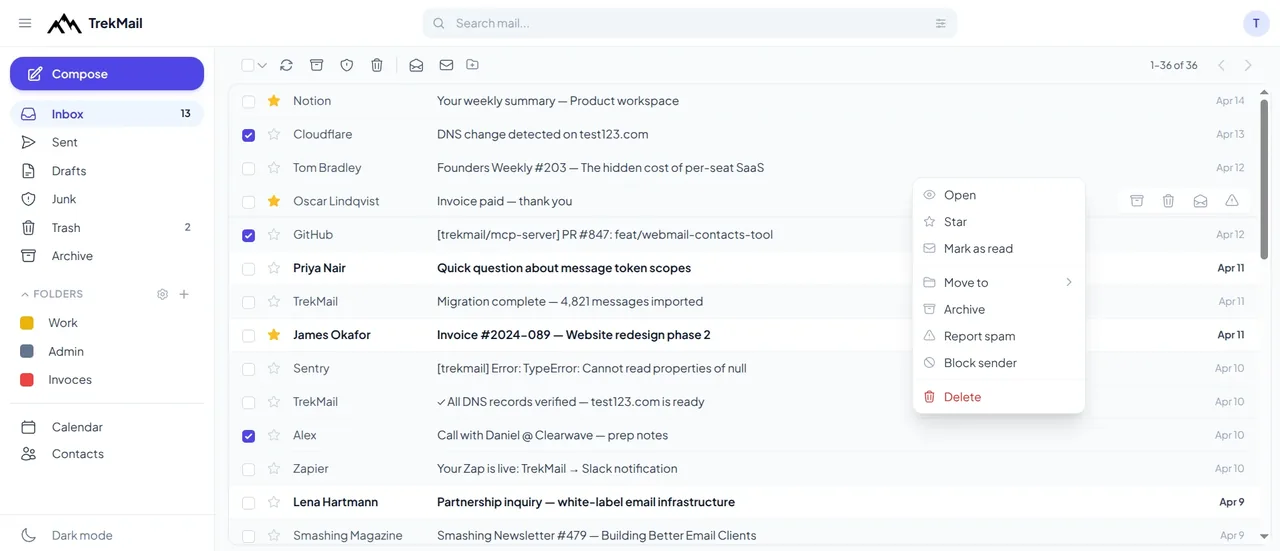
 Email verifierCheck individual email addresses before you use them.Explore email verifier
 Cloud DriveStore and share files alongside your email.Explore Cloud Drive
 AI agent emailGive your workflows an inbox they can work with.Explore AI agent email
 White LabelOffer a branded email experience to your customers.Explore White Label
Good questions. Clear answers.
Find the details you need, then return to the tool when you’re ready.
Check DMARCNo. It is a recognized monitoring policy. It provides visibility without requesting enforcement, and is often a step toward a carefully tested stricter policy.
No. We query _dmarc at the exact domain entered. A subdomain may be covered by a parent-domain policy even when this exact name has no record.
No. DMARC helps address spoofing of your domain when receivers enforce it. It does not prevent lookalike domains, display-name impersonation or compromised accounts.
SPF authorizes sending sources and DKIM signs messages. DMARC checks whether a passing SPF or DKIM identity aligns with the visible From domain and publishes the domain’s requested handling policy.
Add the TXT record at the _dmarc name in the domain’s DNS zone. Your DNS host may expect only _dmarc in the name field, rather than the full domain. Follow that host’s instructions to avoid adding the domain twice.
Choose a check, enter your domain and get a result. Or generate a new password in your browser. Every tool is free to use, with no account needed.
 Free tool
See where your domain receives email and which sending records are published.
Check domain Free tool
See which services your domain allows to send email and spot common mistakes.
Check SPF Free tool
Check that your email provider’s public signing key is available.
Check DKIM
Free toolFind the mail servers that receive email for your domain.
Look up MX Free tool
Choose a length and characters, then generate and copy a fresh password.
Generate password
Create your TrekMail account, bring your domain and follow the setup. Start with free Nano, or try an eligible paid email plan for 14 days.
Nano needs no card. Paid trials require a card.Access your dashboard, mailboxes and DNS.
By continuing, you agree to TrekMail's Terms and Privacy Policy.