
Publish one SPF record
If several providers send for a domain, combine their approved mechanisms into one v=spf1 TXT record. Two separate SPF records are not a safe way to add a provider.
Sending permissions
Your website, newsletter service and team may all send mail using one domain. SPF is the public list of sources your domain allows. Look up that list, spot common mistakes and compare it with the services you really use.
Find your domain’s sending list and spot common mistakes.

TrekMail is email hosting for your own domain, with guided setup and a free plan to get started.
See how TrekMail works
Made by TrekMail email hosting. Start with free Nano, or try an eligible paid email plan for 14 days. Explore email hosting
Your domain report
This is a public DNS snapshot. It does not test real message authentication, mailbox availability or inbox placement.
Email hosting by TrekMail
Give your business an inbox that belongs to you. Create mailboxes on your own domain and manage them together in TrekMail.
We generate the DNS records your domain needs for receiving and sending, including SPF, DKIM and DMARC. Follow the setup guide, or publish through a supported Cloudflare connection, then check the result in your dashboard.
Free Nano plan available. No card needed to start.
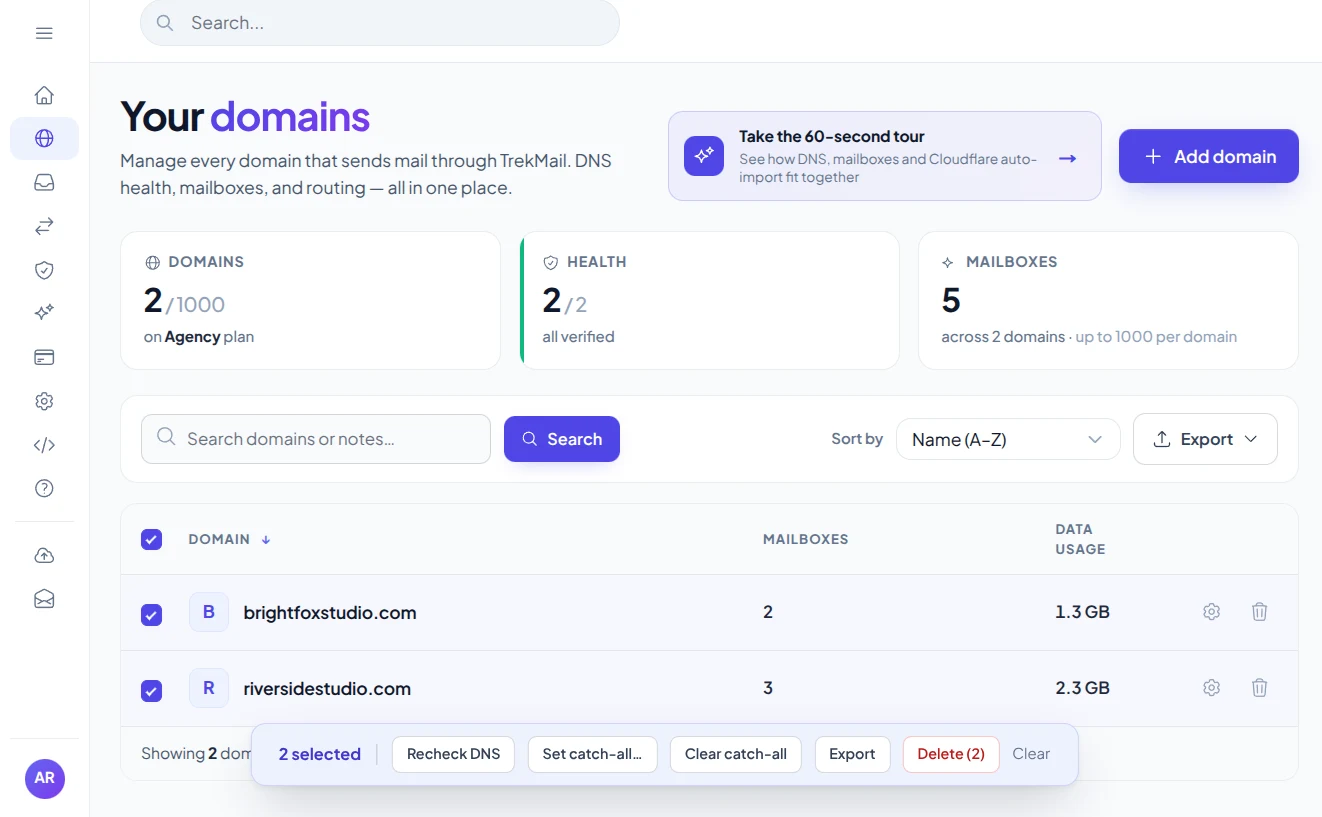
Bring your domainKeep your business identity.
Follow the setupGet the records and check them.
You connected a newsletter service, but it may need permission to send for your domain. Look up your current SPF policy before adding or removing a sending service.
The record lists an older provider but no entry for the one you just connected.
Follow the new provider’s SPF instructions and combine approved sources into one record. Check every service that still sends before removing an existing entry.
This check highlights duplicate policies and rules that are obviously too open. It counts only the direct DNS terms in a record, so it cannot certify the complete SPF lookup limit or say whether one message passed.
Adding a sending service? Start by finding out what your domain already allows.
If several providers send for a domain, combine their approved mechanisms into one v=spf1 TXT record. Two separate SPF records are not a safe way to add a provider.
-all requests a fail for unlisted sources; ~all requests a softfail. +all permits every source. Choose a policy only after identifying all legitimate senders.
SPF evaluation allows at most 10 DNS lookup terms, including nested policies. We count direct terms only. Includes, redirects, macros and void lookups require a complete evaluator.
A little knowledge. A better setup.
Find your current sending policy before adding a newsletter service, changing email hosts or troubleshooting a missing SPF record.
Check SPFEnter the domain used for your sending service’s return-path, also called the envelope sender. It may differ from the address people see in From. The SPF checker retrieves its public TXT record and highlights common problems, including multiple SPF policies and a policy that permits every sender.
v=spf1 ip4:192.0.2.10 -all
Example only. 192.0.2.10 is a documentation address, not a mail server you should authorize.
SPF stands for Sender Policy Framework. A record begins with v=spf1 and lists mechanisms such as ip4, ip6 or include. In the example below, the reserved documentation IP address is allowed; -all requests an SPF fail for other sources. Your provider will supply the values appropriate for its servers.
An include points to another SPF policy. That policy may contain further includes, which is why a short-looking record can still involve many DNS lookups. This tool counts direct lookup terms; it does not expand the entire chain or evaluate a particular sending IP.
Publish one SPF TXT record for each sending domain. When two services give you different records, combine the mechanisms according to their instructions rather than publishing both as separate SPF records. List every service that still sends before deleting an older entry.
After publishing the change, run the SPF lookup again. To understand a real message’s outcome, inspect its Authentication-Results header and check DMARC alignment as well. A valid SPF record alone is not an inbox delivery guarantee.
Practical guides from TrekMail, with setup instructions and deeper explanations for this tool.
Choose a free inbox to get started, or a paid plan for sending through TrekMail. One plan covers your account, with no per-seat fees.
$0/month
Your own domain, your first mailboxes, no credit card.
Sending through TrekMail is included in paid plans. Nano can use your own SMTP service.
Try an eligible paid email plan for 14 days.
For a small business
$4/month
For a growing team
$10/month
For client domains
$29/month
USD prices, billed monthly. Annual options available. Trials require a card and convert to the selected paid plan on the date shown at checkout. Cancel before that date to avoid a charge.
More from TrekMail
Read your business email in TrekMail webmail, or connect your favorite email app. Explore the other products when you need more from your workspace.
Explore email hosting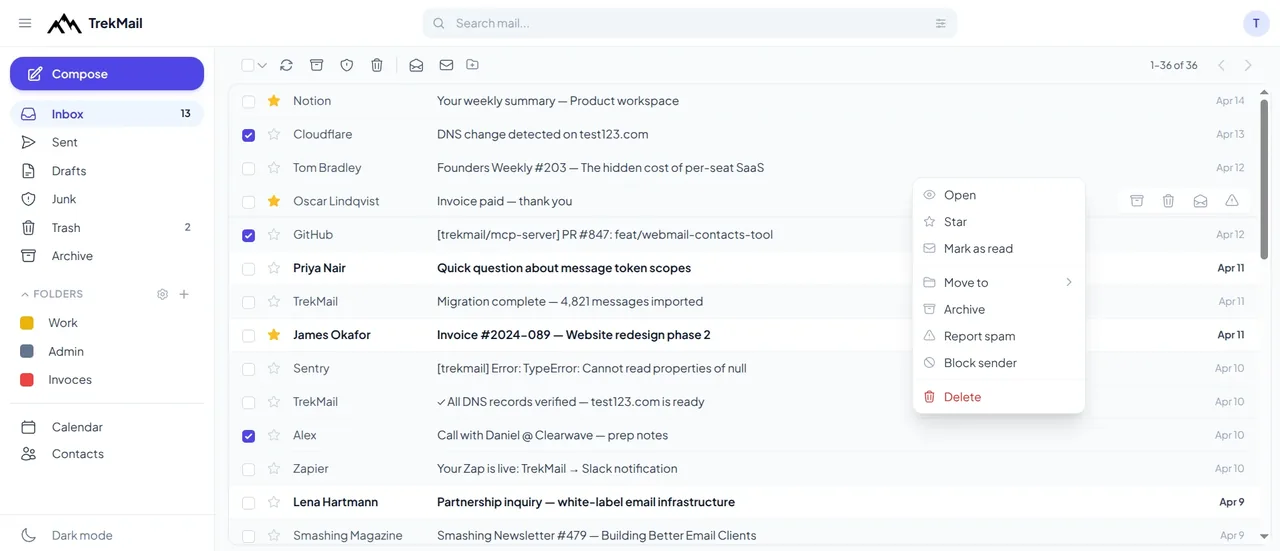
 Email verifierCheck individual email addresses before you use them.Explore email verifier
 Cloud DriveStore and share files alongside your email.Explore Cloud Drive
 AI agent emailGive your workflows an inbox they can work with.Explore AI agent email
 White LabelOffer a branded email experience to your customers.Explore White Label
Good questions. Clear answers.
Find the details you need, then return to the tool when you’re ready.
Check SPFNo. A message SPF result needs a sender IP and envelope domain. This checker looks up DNS and highlights common record issues.
No. An include can lead to several more lookups. The displayed count is a starting point and does not prove that evaluation stays within the limit.
SPF may pass for a return-path domain that is not aligned with the visible From domain. DMARC needs aligned SPF or aligned DKIM.
SPF is published as a TXT record at the sending domain. A domain may have other TXT records, but it should have only one applicable TXT policy beginning with v=spf1.
Yes. Enter a domain and run the check without creating an account. It reads public DNS records; it does not make changes to your domain.
Choose a check, enter your domain and get a result. Or generate a new password in your browser. Every tool is free to use, with no account needed.
 Free tool
See where your domain receives email and which sending records are published.
Check domain Free tool
Check that your email provider’s public signing key is available.
Check DKIM Free tool
Find out how your domain asks receivers to handle messages that fail checks.
Check DMARC
Free toolFind the mail servers that receive email for your domain.
Look up MX Free tool
Choose a length and characters, then generate and copy a fresh password.
Generate password
Create your TrekMail account, bring your domain and follow the setup. Start with free Nano, or try an eligible paid email plan for 14 days.
Nano needs no card. Paid trials require a card.Access your dashboard, mailboxes and DNS.
By continuing, you agree to TrekMail's Terms and Privacy Policy.