
Lower numbers go first
A server with priority 10 is normally tried before one with priority 20. Equal priorities can be used to distribute delivery attempts.
Incoming mail
When someone sends to you, public MX records tell their mail server where to deliver the message. Look up those destinations and their order, especially after moving your inboxes to a new provider.
See which provider receives email for your domain.

TrekMail is email hosting for your own domain, with guided setup and a free plan to get started.
See how TrekMail works
Made by TrekMail email hosting. Start with free Nano, or try an eligible paid email plan for 14 days. Explore email hosting
Your domain report
This is a public DNS snapshot. It does not test real message authentication, mailbox availability or inbox placement.
Email hosting by TrekMail
Give your business an inbox that belongs to you. Create mailboxes on your own domain and manage them together in TrekMail.
We generate the DNS records your domain needs for receiving and sending, including SPF, DKIM and DMARC. Follow the setup guide, or publish through a supported Cloudflare connection, then check the result in your dashboard.
Free Nano plan available. No card needed to start.
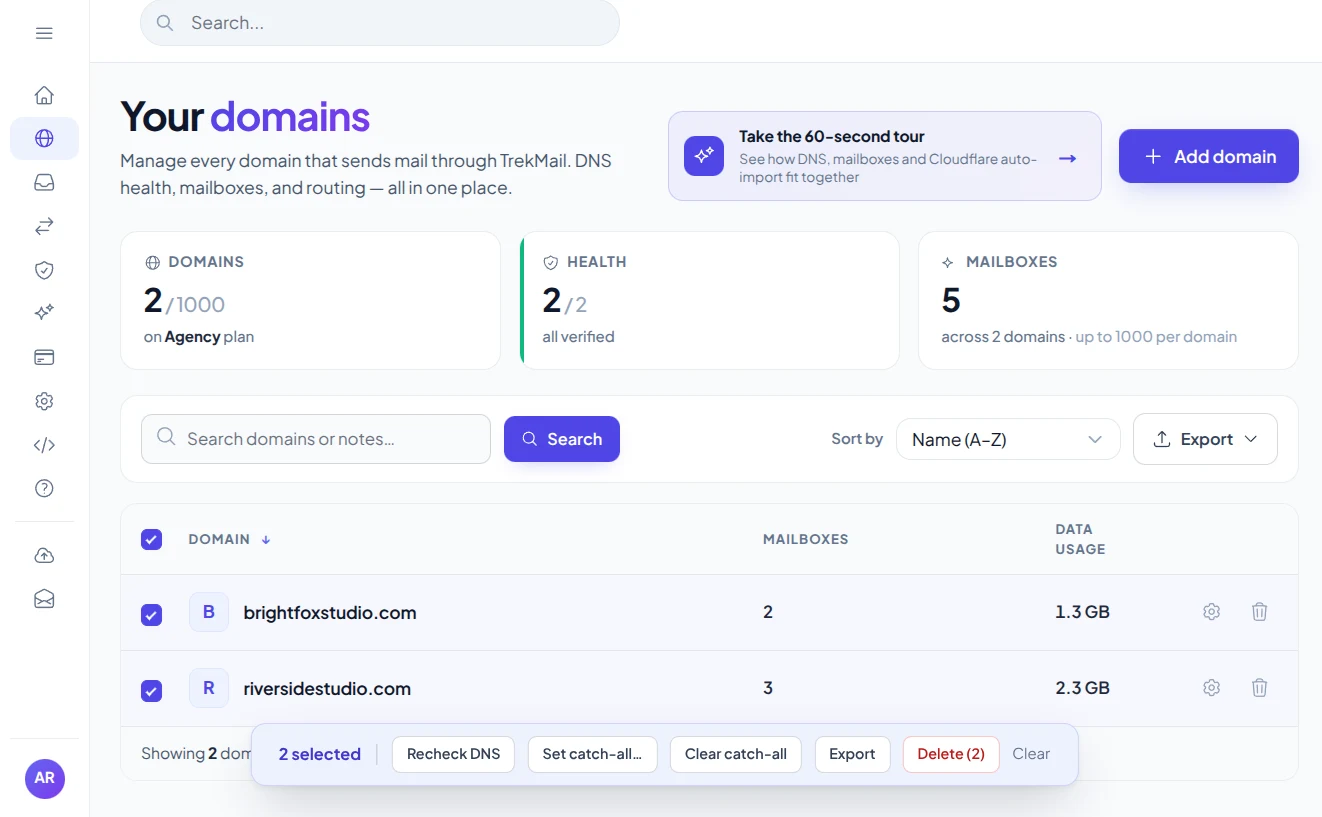
Bring your domainKeep your business identity.
Follow the setupGet the records and check them.
You set up mailboxes with a new provider, but messages still arrive in the old account. The public MX record may still direct senders to the old service. This lookup shows those routes without touching a mailbox.
The lowest-priority MX destination still belongs to your previous mail provider.
Compare the destinations with your new provider’s instructions. Make changes at the DNS host, then allow time for existing DNS caches to expire.
Each MX destination has a priority number: lower numbers are generally tried first. Finding a route does not prove the destination is online or that an individual mailbox exists.
An MX record contains a priority and a destination hostname. The destination should match the instructions from your email provider.
A server with priority 10 is normally tried before one with priority 20. Equal priorities can be used to distribute delivery attempts.
Finding an MX record does not prove a server is reachable or a particular mailbox exists. This tool performs DNS lookups only and never connects to a mail server.
A record of 0 . explicitly states that the domain does not accept email. It is different from having no MX, where an A/AAAA fallback may be attempted by senders.
A little knowledge. A better setup.
See the destinations senders use when they deliver mail to your domain, especially after a provider move.
Look up MXFor hello@example.com, enter example.com in the MX lookup. The report shows receiving server hostnames and their priorities. These are public delivery instructions, so no inbox password or account access is needed.
10 mail1.example.com
20 mail2.example.com
Illustrative MX priorities and hostnames. Publish the destinations supplied by your email host.
Lower MX preference numbers are normally tried first. In the example below, a sender would generally try mail1 before mail2. Servers with the same preference can share delivery attempts. A higher-numbered destination may provide a backup route, depending on the provider’s setup.
Compare the complete set of results with your email host’s instructions. A hostname may belong to a provider’s infrastructure without looking like its consumer brand, so do not identify a provider from its name alone.
A null MX record, written as 0 followed by a dot, explicitly states that the domain does not accept email. No MX record is different: senders may try an A or AAAA address as a fallback. Neither case proves that an individual mailbox exists.
If your new inbox is empty after a move, check whether MX still points to the old host and whether cached answers have expired. This DNS lookup does not connect to the destination over SMTP, test server uptime or verify mailbox delivery. Use your provider’s mail logs for those questions.
Practical guides from TrekMail, with setup instructions and deeper explanations for this tool.
Choose a free inbox to get started, or a paid plan for sending through TrekMail. One plan covers your account, with no per-seat fees.
$0/month
Your own domain, your first mailboxes, no credit card.
Sending through TrekMail is included in paid plans. Nano can use your own SMTP service.
Try an eligible paid email plan for 14 days.
For a small business
$4/month
For a growing team
$10/month
For client domains
$29/month
USD prices, billed monthly. Annual options available. Trials require a card and convert to the selected paid plan on the date shown at checkout. Cancel before that date to avoid a charge.
More from TrekMail
Read your business email in TrekMail webmail, or connect your favorite email app. Explore the other products when you need more from your workspace.
Explore email hosting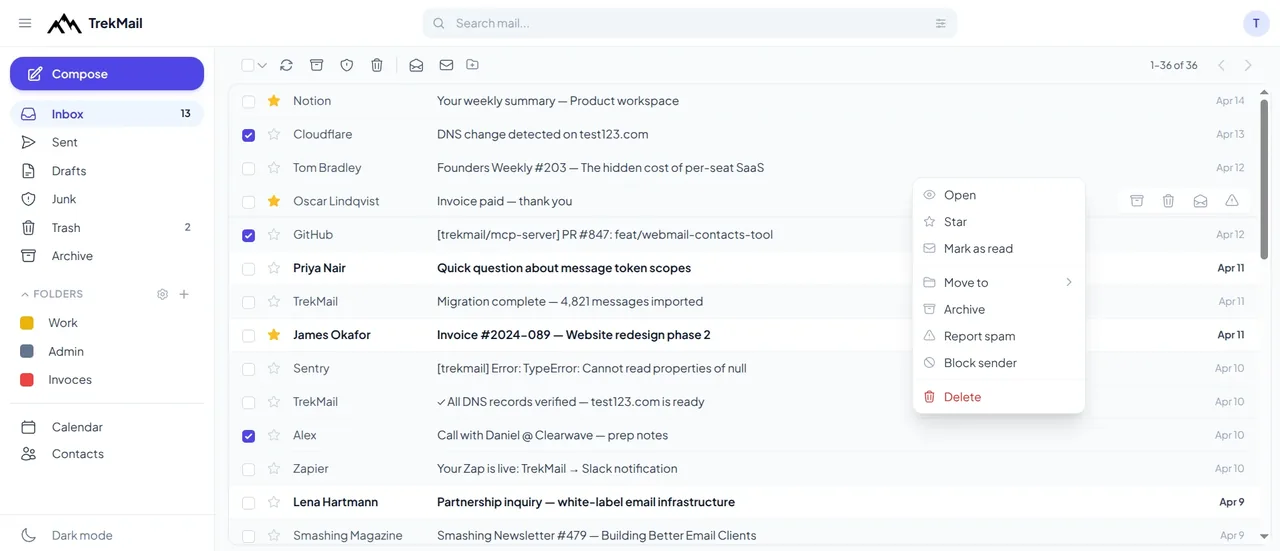
 Email verifierCheck individual email addresses before you use them.Explore email verifier
 Cloud DriveStore and share files alongside your email.Explore Cloud Drive
 AI agent emailGive your workflows an inbox they can work with.Explore AI agent email
 White LabelOffer a branded email experience to your customers.Explore White Label
Good questions. Clear answers.
Find the details you need, then return to the tool when you’re ready.
Look up MXNo. MX records route incoming email. SPF, DKIM and DMARC have separate roles in authenticating outgoing messages.
Do not treat MX priorities as a way to split mailboxes between unrelated providers. Unless you have deliberately configured routing, a fallback provider may not know your recipients. Follow your migration plan and provider instructions.
DNS caches may retain an old answer until its TTL expires. We cache positive answers for up to five minutes; authoritative changes may take longer to reach all resolvers.
Look up its MX records and compare the receiving hostnames with the provider’s documentation. Hostnames are a useful clue, but branding and outsourced infrastructure can make them ambiguous.
No. An MX record identifies a mail destination and a priority. An A record maps a hostname to an IPv4 address. They perform different jobs in DNS.
Choose a check, enter your domain and get a result. Or generate a new password in your browser. Every tool is free to use, with no account needed.
 Free tool
See where your domain receives email and which sending records are published.
Check domain Free tool
See which services your domain allows to send email and spot common mistakes.
Check SPF Free tool
Check that your email provider’s public signing key is available.
Check DKIM Free tool
Find out how your domain asks receivers to handle messages that fail checks.
Check DMARC Free tool
Choose a length and characters, then generate and copy a fresh password.
Generate password
Create your TrekMail account, bring your domain and follow the setup. Start with free Nano, or try an eligible paid email plan for 14 days.
Nano needs no card. Paid trials require a card.Access your dashboard, mailboxes and DNS.
By continuing, you agree to TrekMail's Terms and Privacy Policy.